For students
Math, code, diagrams, group projects, and your LMS, all in one place that runs on the laptop you already have and the phone in your pocket.
Student pricing is being worked out so anyone can use kov.
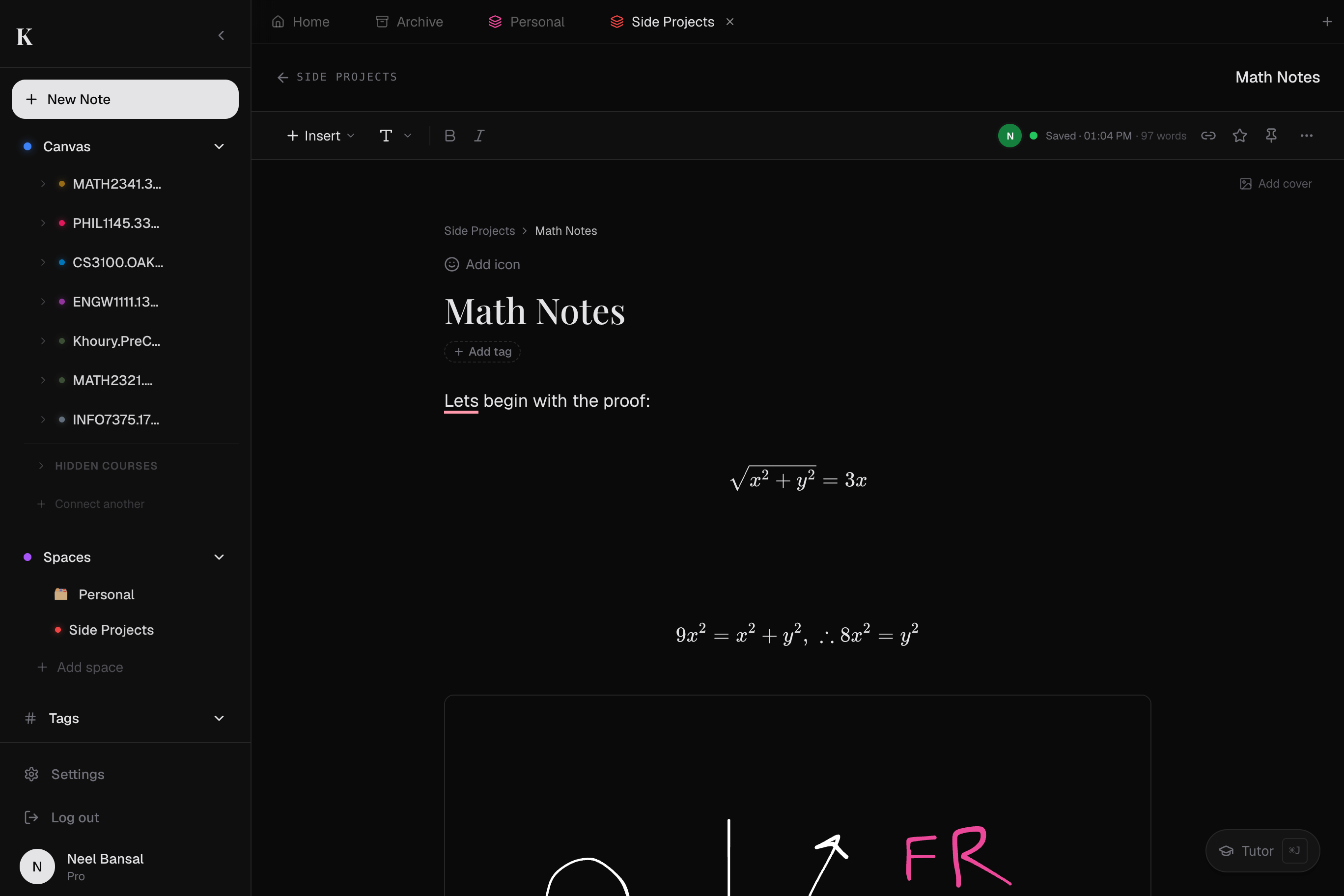
Sketch → LaTeX
Scribble an equation with your finger, your trackpad, or your Apple Pencil. kov recognises it and types the LaTeX for you. No other note tool does this.
Code that runs
Drop a code block, hit run, see output: Python, JavaScript, more. No switching to a separate editor mid-problem-set.
Canvas, in partnership talks
Assignments, gradebook, and syllabus sync are built. We're working with Instructure on the partnership to flip it on for everyone; pilot programs starting first.
Most note-taking tools treat every major the same. kov doesn't. Pick yours. Each is a real workflow we've designed for, not a feature flag we toggle on a generic editor.
The majors ~90% of US students pursue.
Finance, accounting, marketing, management: the spreadsheet, the case, and the team deck, finally in one document instead of five tabs and a group chat.
Case studies with the exhibits attached
Break down a Harvard-style case on one page, then wiki-link each claim to the exhibit page where the financials and your annotations live. Click a point in your analysis to land on the evidence behind it.
Financial models beside the formulas
Build a DCF or three-statement model in a Python block, then write the assumptions and the math in sketch→LaTeX right next to it. The numbers and the reasoning that drives them never drift into separate files.
Case competitions in one live doc
Run the whole team case in a shared kov space: research, model, and pitch outline edited in real time, cursors with names. No reconciling four versions the night before you present.
In lecture
Sketch the diagram from the slide, type definitions next to it, and link a sub-page if the topic gets its own deep dive. The whiteboard lives inside the doc, no app switching.
On a problem set
Math equations, runnable code, and your scratch work in one page. Click run on the code block to test your solution before submitting.
With your study group
Open the same page on different laptops. Cursors with names. No 'who has the latest draft' dance. Whiteboard a proof together while you talk.